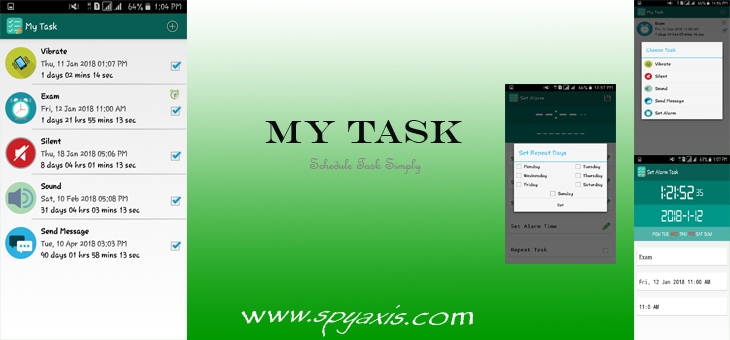
My Task – Version 1.0
” My Task ” is another app that I created. I designed this before a few months ago to make my day-to-day tasks much easier.
My Task UI Designs
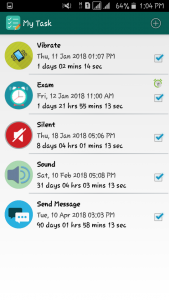
Command-List
We can set timers in our smartphones using this app & then it will automatically complete the following things.
- Vibrate
- Vibration alerts are a feature of smartphones that notify users of incoming connections or messages. You can set the time and date to automatically switch your smartphone into vibrate mode.
- Silent
- Silent mode is a setting available in the smartphones that, when activated, deactivates the ringtone and, in some cases, vibrates alerts and alarms. Unlike airplane mode, silent mode allows you to send and receive calls and messages on your device. This app allows to switch to silent mode for given data and time.
- Sound
- Sound mode notifies users of incoming connections or messages by playing sound. You can change to sound profile automatically for a specific time.
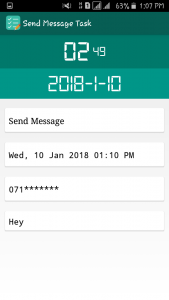
- Send Message
- Send the message to the specific person by setting a specific date and time.
Task Creation Process
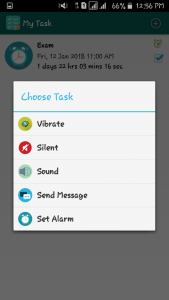
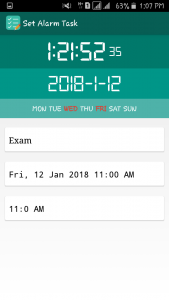
It’s very simple. Select the task that we want, Set the specific time that the job must execute & save it. That’s all.
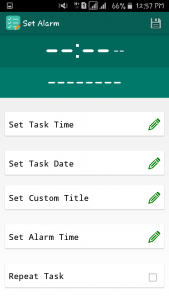
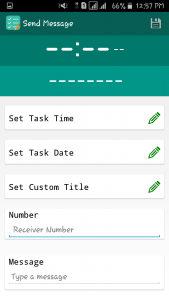
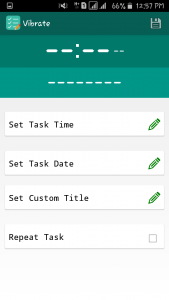
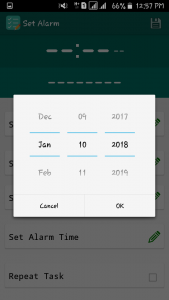
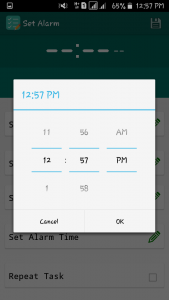
We can set & list an unlimited number of tasks using this app. It’s a very special kind of performance. Because there are no limitations to the number of actions that we want to keep as our necessary commands in day-to-day life.
Oh! I forgot to say something important.
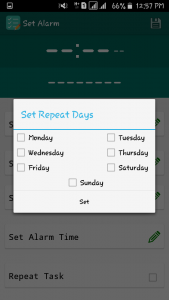
This app has a special ability to repeat the same job again & again. For that, we just have to put ticks in front of days that we want to execute the job with relevant time.
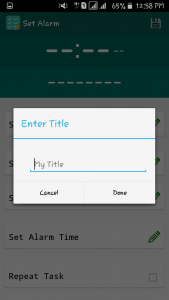
Also, we can give particular names to each & every job.
Please leave a comment below, if you have any issues regarding this.
Download here ( Download Link will be online soon – Stay tuned with us )



It’s exhausting to find knowledgeable folks on this matter, however you sound like you know what you’re speaking about! Thanks